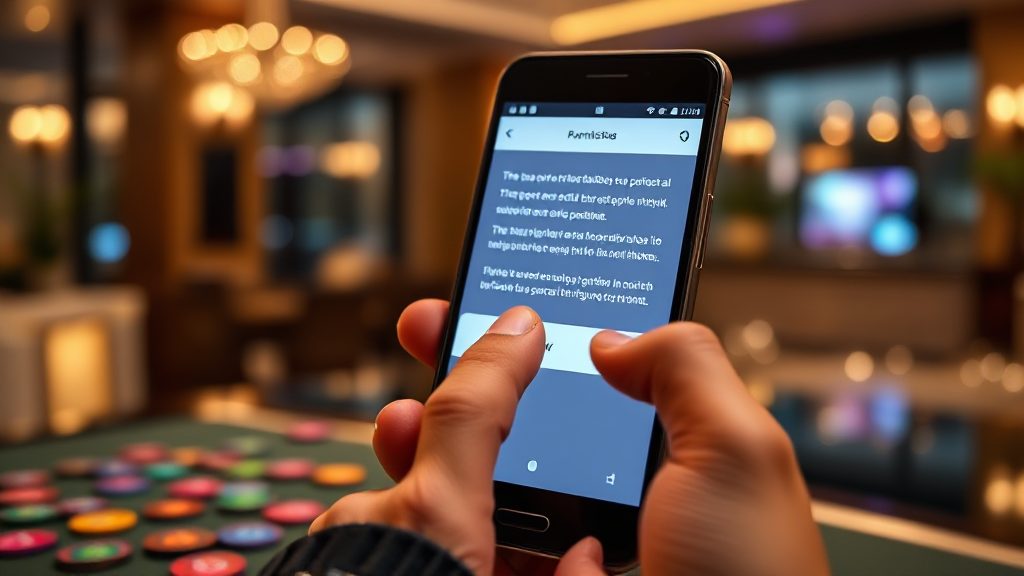
Permissions Bingo 101 Apps Ask For and How to Judge Them
You install a bingo app, and a wall of permission requests appears before you have even seen a single card. Most people tap “Allow” without reading, but that screen is the one place where you decide how much of your phone a game can touch. This article walks through the permissions beginner bingo apps commonly request, explains what each one actually does in plain language, and gives a reasonableness verdict for a casual game. If you are comparing bingo or card titles such as Ok Rummy Games, the same checklist applies before you open the first table.
Android groups permissions into categories, and a game only needs a small slice of them to function. The rest are usually about ads, analytics, or features you may never use. Treat the permission screen as a short contract: if a request does not map to something the game visibly does, it is fair to pause.
Why the Permission Screen Deserves a Slower Read
Permissions are not abstract. A microphone permission can record audio, a contacts permission can read your address book, and a storage permission can reach files beyond the game’s own folder. When you grant access, the app can use it in the background as long as the permission remains active.
Bingo apps often bundle several requests into one prompt at first launch, which makes them easy to skim. A slower read means matching each line to a feature you can see: sound effects, saving progress, showing ads, or connecting to a leaderboard. Anything that does not match is worth questioning before you continue.
The same habit helps when you browse catalog listings for 3Patti Apk Online or similar titles, because the permission list is part of what you are choosing between, not an afterthought.
Permissions That Are Usually Reasonable for a Bingo App
Some requests are directly tied to how a casual bingo game works. These are the ones where a “yes” is normally low-risk, provided you understand what is being accessed.
Network and internet access
A bingo app that shows ads, syncs progress, or connects to online rooms needs internet access. Internet permission is the baseline for almost every free game, and refusing it usually breaks the app. The verdict here is reasonable, but it also means the app can send and receive data, so pair it with a look at the privacy policy.
Storage for game files and saved progress
Games need space for card assets, sounds, and save data. On newer Android versions this is often scoped to the app’s own storage, which is safer than broad file access. If a bingo app asks for full storage access on an older device, ask whether it really needs to read your photos or downloads. Scoped storage is fine; wide-open file access deserves a second look.
Vibration and sound settings
Haptic feedback and audio are part of the game feel. These permissions are narrow and low-risk. A bingo title that asks to control vibration is not collecting your data through it; it is just shaking the phone when you mark a number.
Notifications
Notifications let a game remind you about daily bonuses or a room that is about to start. They are reasonable if you want the reminders and easy to turn off later. The verdict is reasonable with a caveat: notification permission is also a marketing channel, so enable it only if you actually want the pings.
Permissions That Need a Closer Look
These requests are not automatically bad, but a casual bingo game should have a clear reason for each one. If the reason is not obvious from the app’s features, treat it as a warning sign.
Contacts access
Very few bingo games need your address book to deal cards. Contacts permission is sometimes used for “invite a friend” features, but it can also be used to build a social graph. A bingo app rarely needs your contacts to function, so denying it is usually safe. If the game insists, check whether the invite feature is optional.
Location access
Location can be legitimate for regional content, local ads, or age and region checks. Precise location is rarely necessary for a card game. Approximate location, if offered, is the better choice. The verdict: reasonable only when tied to a feature you can see, and precise location should be questioned.
Camera and microphone
Some apps request camera or microphone for profile photos, voice chat, or anti-cheat checks. A simple bingo game usually does not need either. Camera and microphone access should match a visible feature, such as uploading an avatar. If there is no such feature, deny the request and see whether the game still works.
Phone state and device identifiers
This permission can expose device identifiers and call state. It is often used for advertising or fraud prevention. For a beginner bingo app, it is hard to justify beyond ads. The verdict is questionable, and denial is a reasonable default unless the app explains why it is needed.
How to Judge a Permission Request in Under a Minute
You do not need a technical background to make a good call. A short routine covers most situations and keeps the decision consistent across apps.
- Match the permission to a feature. If you cannot name the feature it supports, do not grant it yet.
- Prefer the narrow option. Approximate location over precise, selected photos over full storage, and “only while using” over “always.”
- Deny first, then test. Many apps still work with optional permissions turned off.
- Review later in settings. Android lets you revoke permissions after installation, so a wrong tap is not permanent.
This routine also helps when you compare listings for 3Patti Apps Onlines, because the same permission patterns repeat across casual card and bingo titles.
What the Permission List Says About the App’s Design
Permissions are a signal of how an app is built. A bingo game that asks for internet, notifications, and vibration is probably a simple ad-supported title. One that also asks for contacts, precise location, and phone state is doing more behind the scenes, and you should know why before you play.
This matters when you look at catalog entries such as Rummy Yono Games APP or Bingo 101 APPS. The listing may show version and size, but the permission screen is where the app’s actual reach becomes visible. A short permission list is not proof of safety, but a long list with no clear purpose is a reason to slow down.
Keep an eye on updates as well. A new version can add permissions, so recheck the list after a major update rather than assuming nothing changed.
Putting It Together: A Practical Stance for Beginners
The sensible default for a beginner bingo app is to grant what the game visibly needs and deny the rest. Internet, scoped storage, sound, vibration, and notifications are usually fine. Contacts, precise location, microphone, and phone state should be denied unless a feature you actually use requires them.
That stance scales across the catalog. Whether you are reviewing 3Patti New All Apk, All Teen Patti Apks, or All Rummy Game entries, the permission screen is the same first checkpoint. It tells you what the app can reach before you invest time in it.
For online play, permissions around network and notifications matter more, so check them against the features you plan to use in Rummy Game Online and Online Rummy Apks listings. If a title such as MAX Rummy Online asks for something unusual, compare it with another entry before deciding.
The permission screen is not a formality. Read it once, match each request to a feature, and you will make better choices than most users who tap through. That small habit is the difference between playing a game and handing it the keys to your phone.
